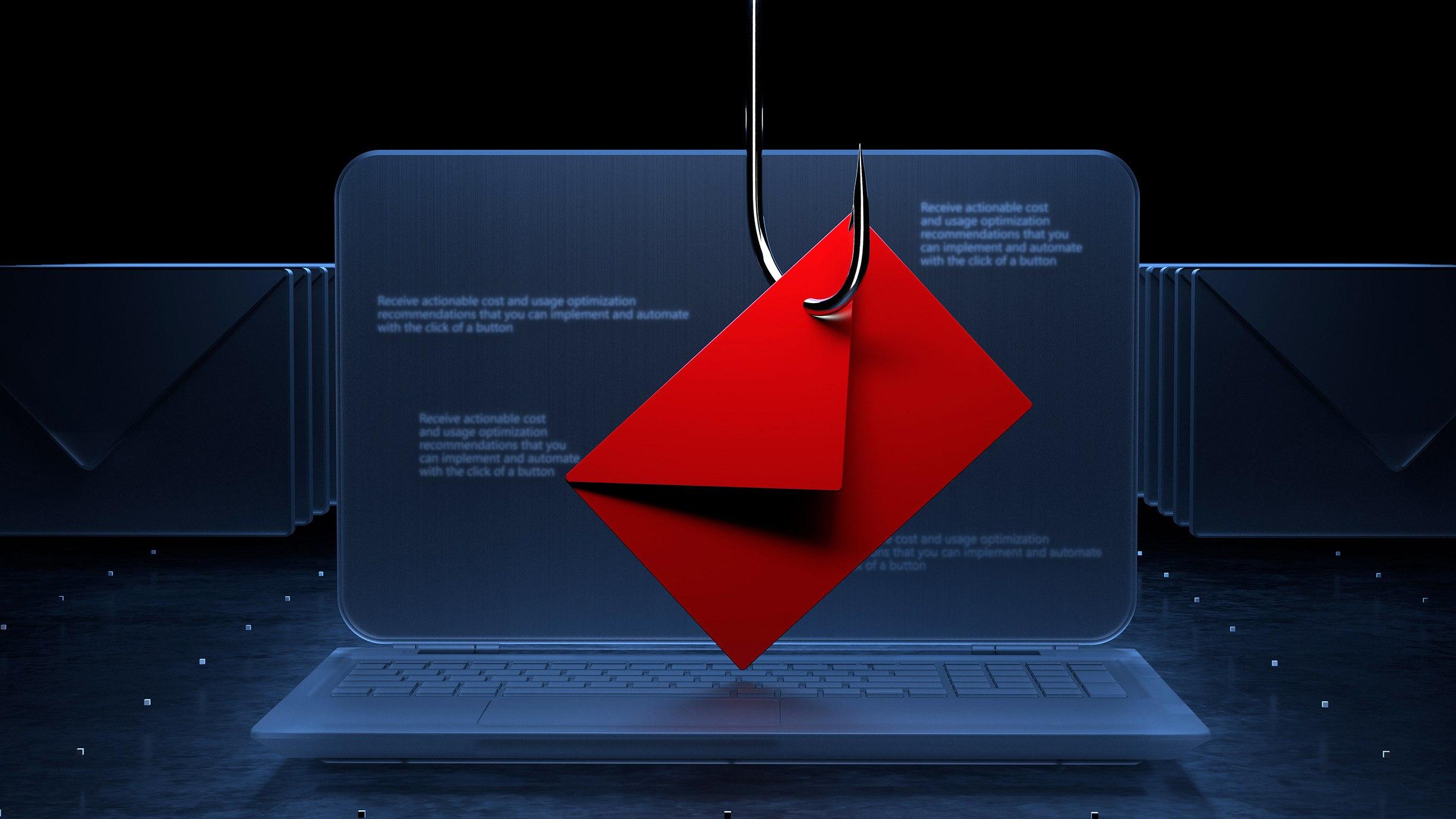

Phishing is one of the most common ways cybercriminals trick people into sharing confidential information. Attackers may pretend to represent a bank, delivery company, employer, government agency, or popular online platform.
Their goal is usually to steal passwords, obtain payment information, install malicious software, or gain access to an account.
Phishing messages can arrive through email, SMS, social media, messaging applications, and phone calls. Some are poorly written, while others look almost identical to genuine communications.
Understanding the warning signs can help you recognize suspicious messages before they cause damage.
What Is a Phishing Attack?
A phishing attack is a form of social engineering. Instead of relying only on technical weaknesses, criminals manipulate people into taking actions that compromise their security.
For example, you might receive an email claiming that your account will be suspended unless you verify your password immediately. The link may lead to a fake website designed to collect your login information.
Once criminals obtain those details, they may attempt to access your email, social media, financial accounts, or other services.
1. Check the Sender’s Address
Look carefully at the full email address or account that sent the message. Scammers often use addresses that resemble legitimate businesses but contain additional characters, misspellings, or unfamiliar domains.
However, a familiar-looking sender name is not sufficient proof of authenticity. Sender information can sometimes be spoofed or compromised.
If a message requests sensitive information, verify it using the organization’s official website or contact details.
2. Watch for Urgent or Threatening Language
Phishing messages frequently attempt to make recipients panic. Common examples include warnings that an account will be deleted, a payment has failed, or an urgent reward will expire.
Urgency alone does not prove a message is fraudulent, but it is a reason to slow down and verify the request.
Legitimate security concerns should be checked through the service’s official application or website rather than an unexpected message link.
3. Inspect Links Before Opening Them
A link’s visible text may not match its actual destination. On a computer, you can often hover over a link to inspect its destination without opening it.
On a phone, press-and-hold behavior varies by application, so use caution and avoid opening unfamiliar links. When uncertain, type the organization’s known web address directly into your browser.
Never enter passwords or financial information on a website reached through a suspicious message.
4. Recognize Fake Login Pages
Fraudulent websites may copy the appearance of popular email services, social networks, payment platforms, and online stores.
Check the exact domain name and be alert to unexpected redirects. HTTPS and a padlock icon indicate an encrypted connection, not that the website is legitimate.
If you accidentally enter your password on a suspicious page, visit the genuine service immediately and change the password. If you reused it elsewhere, change those passwords too.
5. Be Careful With Attachments
Unexpected attachments can contain malicious files or direct you to dangerous websites. Treat unfamiliar documents, compressed files, and executable programs with caution.
Verify the sender through another communication channel before opening an unexpected attachment, particularly if it asks you to enable macros, install software, or enter credentials.
Keep your operating system and security software updated.
6. Understand SMS and Messaging Scams
Smishing is phishing conducted through text messages. A scammer may send a fake parcel-delivery notification, payment warning, account alert, or job offer.
Do not provide personal information through a link simply because a message appears to know your name or phone number.
For delivery or payment issues, open the official service directly and check the status there.
7. Watch Out for AI-Generated Scams
Artificial intelligence can help scammers produce convincing messages, imitate writing styles, and create realistic voice or video impersonations.
Grammar and spelling are no longer reliable ways to identify every scam.
If someone requests money, confidential information, or a security code unexpectedly, verify their identity through a separate, trusted channel. For urgent requests supposedly from a family member or manager, contact them using a number you already know.
What to Do If You Click a Phishing Link
Do not panic. Your next steps depend on what happened.
- If you only opened the link, close the page and avoid entering information or downloading files.
- If you entered a password, change it immediately through the official website and secure other accounts using the same password.
- If you shared financial information, contact your bank or payment provider using its official number.
- If you installed a suspicious file, disconnect the affected device from networks if necessary and use trusted security tools or professional assistance.
- If the attack affected a work account, report it to your organization’s IT or security team.
Report suspicious messages through the relevant email provider, platform, or local cybercrime reporting service.
Conclusion
Phishing attacks exploit trust, urgency, and curiosity. By checking senders, verifying links, avoiding unexpected attachments, and confirming unusual requests independently, you can reduce the risk of becoming a victim.
When a message asks you to act immediately, take a moment to verify it first. That simple habit can prevent serious problems.
Frequently Asked Questions
Can phishing happen through WhatsApp?
Yes. Scammers can send fraudulent links, fake job offers, impersonation messages, and requests for verification codes through messaging applications.
Does HTTPS mean a website is safe?
No. HTTPS encrypts data transmitted between your browser and a website, but criminals can also use HTTPS on fraudulent websites.
What should I do if I share a one-time password with a scammer?
Contact the relevant bank or service immediately, secure your account, and report any unauthorized transactions or activity. Introduction
Phishing is one of the most common ways cybercriminals trick people into sharing confidential information. Attackers may pretend to represent a bank, delivery company, employer, government agency, or popular online platform.
Their goal is usually to steal passwords, obtain payment information, install malicious software, or gain access to an account.
Phishing messages can arrive through email, SMS, social media, messaging applications, and phone calls. Some are poorly written, while others look almost identical to genuine communications.
Understanding the warning signs can help you recognize suspicious messages before they cause damage.
What Is a Phishing Attack?
A phishing attack is a form of social engineering. Instead of relying only on technical weaknesses, criminals manipulate people into taking actions that compromise their security.
For example, you might receive an email claiming that your account will be suspended unless you verify your password immediately. The link may lead to a fake website designed to collect your login information.
Once criminals obtain those details, they may attempt to access your email, social media, financial accounts, or other services.
1. Check the Sender’s Address
Look carefully at the full email address or account that sent the message. Scammers often use addresses that resemble legitimate businesses but contain additional characters, misspellings, or unfamiliar domains.
However, a familiar-looking sender name is not sufficient proof of authenticity. Sender information can sometimes be spoofed or compromised.
If a message requests sensitive information, verify it using the organization’s official website or contact details.
2. Watch for Urgent or Threatening Language
Phishing messages frequently attempt to make recipients panic. Common examples include warnings that an account will be deleted, a payment has failed, or an urgent reward will expire.
Urgency alone does not prove a message is fraudulent, but it is a reason to slow down and verify the request.
Legitimate security concerns should be checked through the service’s official application or website rather than an unexpected message link.
3. Inspect Links Before Opening Them
A link’s visible text may not match its actual destination. On a computer, you can often hover over a link to inspect its destination without opening it.
On a phone, press-and-hold behavior varies by application, so use caution and avoid opening unfamiliar links. When uncertain, type the organization’s known web address directly into your browser.
Never enter passwords or financial information on a website reached through a suspicious message.
4. Recognize Fake Login Pages
Fraudulent websites may copy the appearance of popular email services, social networks, payment platforms, and online stores.
Check the exact domain name and be alert to unexpected redirects. HTTPS and a padlock icon indicate an encrypted connection, not that the website is legitimate.
If you accidentally enter your password on a suspicious page, visit the genuine service immediately and change the password. If you reused it elsewhere, change those passwords too.
5. Be Careful With Attachments
Unexpected attachments can contain malicious files or direct you to dangerous websites. Treat unfamiliar documents, compressed files, and executable programs with caution.
Verify the sender through another communication channel before opening an unexpected attachment, particularly if it asks you to enable macros, install software, or enter credentials.
Keep your operating system and security software updated.
6. Understand SMS and Messaging Scams
Smishing is phishing conducted through text messages. A scammer may send a fake parcel-delivery notification, payment warning, account alert, or job offer.
Do not provide personal information through a link simply because a message appears to know your name or phone number.
For delivery or payment issues, open the official service directly and check the status there.
7. Watch Out for AI-Generated Scams
Artificial intelligence can help scammers produce convincing messages, imitate writing styles, and create realistic voice or video impersonations.
Grammar and spelling are no longer reliable ways to identify every scam.
If someone requests money, confidential information, or a security code unexpectedly, verify their identity through a separate, trusted channel. For urgent requests supposedly from a family member or manager, contact them using a number you already know.
What to Do If You Click a Phishing Link
Do not panic. Your next steps depend on what happened.
- If you only opened the link, close the page and avoid entering information or downloading files.
- If you entered a password, change it immediately through the official website and secure other accounts using the same password.
- If you shared financial information, contact your bank or payment provider using its official number.
- If you installed a suspicious file, disconnect the affected device from networks if necessary and use trusted security tools or professional assistance.
- If the attack affected a work account, report it to your organization’s IT or security team.
Report suspicious messages through the relevant email provider, platform, or local cybercrime reporting service.
Conclusion
Phishing attacks exploit trust, urgency, and curiosity. By checking senders, verifying links, avoiding unexpected attachments, and confirming unusual requests independently, you can reduce the risk of becoming a victim.
When a message asks you to act immediately, take a moment to verify it first. That simple habit can prevent serious problems.
Frequently Asked Questions
Can phishing happen through WhatsApp?
Yes. Scammers can send fraudulent links, fake job offers, impersonation messages, and requests for verification codes through messaging applications.
Does HTTPS mean a website is safe?
No. HTTPS encrypts data transmitted between your browser and a website, but criminals can also use HTTPS on fraudulent websites.
What should I do if I share a one-time password with a scammer?
Contact the relevant bank or service immediately, secure your account, and report any unauthorized transactions or activity.